Monthly price
Bestellterminal and kiosk
- Kassa with RKSV12,00
- Self-Service Kiosk2,90
SUMME14,90
€ per month, Netto

Scenes generated with AI. Real screens.
At the self-order kiosk your guests put together their own Bestellung, with pictures, as a Menü and in four languages. They pay at the Kassa, where the Bestellung is already waiting with its number, so your team only takes the money.
No Kreditkarte. The trial ends on its own.
A self-service kiosk at your Kassa, in portrait format and without login.
Categories, the bestsellers under “Popular”, sizes, and ingredients left out or extra. The kiosk also offers the Artikel as a Menü and shows what the guest saves.
German, English, Turkish and Arabic, chosen by the guest on the start screen. One button moves everything into the lower half of the screen, another calls your team for help.
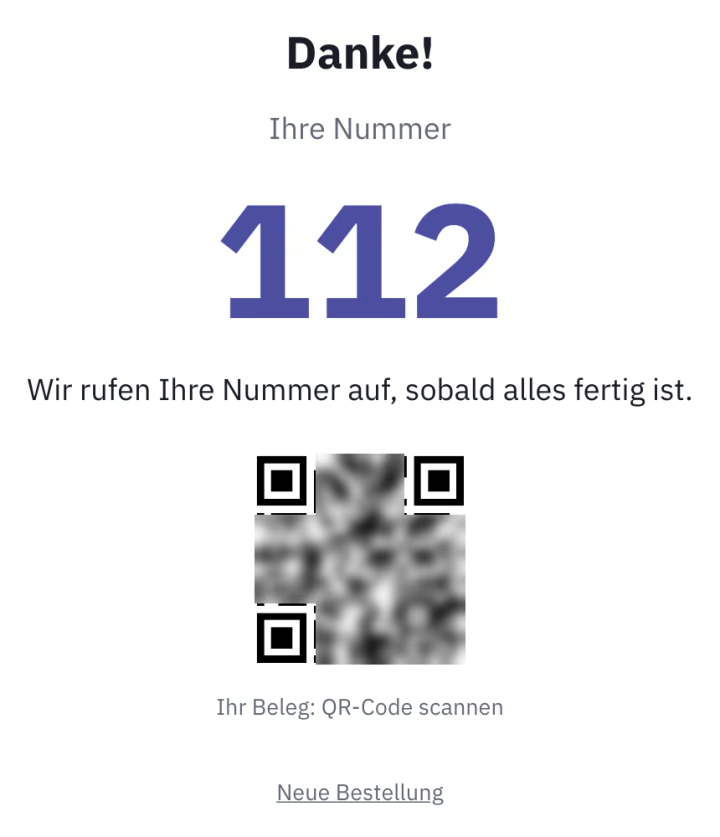
The guest gets a number, and the Bestellung waits at the Kassa. Only once it is paid is the Beleg created, and only then does the Küche see the Bestellung; if the guest does not come, it is dropped after two hours.
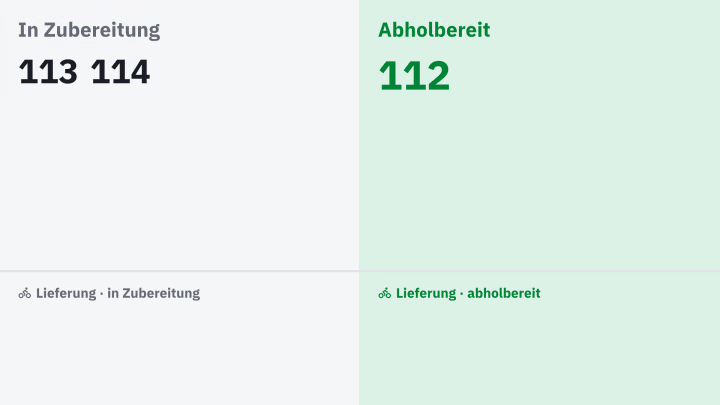
“Being prepared” and “Ready for pickup”, large and with numbers only, no names. The pickup display runs on a screen with a browser and is part of the Küchendisplay.
The guest chooses, and casse applies the right tax rate. With Tischservice the guest types in the number of their Tischschild, and your team brings the Bestellung over.
“Passt dazu” shows up to four Artikel before payment, with prices and nothing preselected. The kiosk report counts Bestellungen and drop-offs, nothing about guests, and the kiosk uses no camera.
On the touchscreen, open the kiosk in casse, choose your Kassa and start. From then on the device runs without login, locked on an iPad with Guided Access or on Windows in Edge kiosk mode.
The kiosk shows what is on your Speisekarte, with pictures and allergens. Colour, logo, start image and greeting are set once for all kiosks.
The guest orders and gets a number. Once it is paid at the Kassa, the Küche sees the Bestellung, and the pickup display calls the number as soon as everything is ready.
RKSV-compliant Kassa and kiosk together for € 14,90 per month, net; the Imbiss Plus Paket already includes the kiosk. Try it free for 30 days.
€ per month, Netto
An RKSV-compliant Kassa and the kiosk together cost € 14,90 per month, net. Added to an existing Paket, the kiosk costs € 2,90, and the Imbiss Plus Paket includes it. You need a device with a touchscreen and a browser.
At the Kassa, in Bar or by Karte, with their pickup number. A Gutschein that covers the whole Bestellung is redeemed right at the kiosk. The Bestellung only goes to the Küche once it is paid.
No. The kiosk is an input station of your Kassa, with no Registrierkasse of its own and no separate registration in FinanzOnline. Beleg and signature are created at the Kassa.
German, English, Turkish and Arabic, with Arabic from right to left. The guest chooses on the start screen, and for the next guest the kiosk starts again in German. The Beleg stays in German.
No. The kiosk never shows Artikel with an age restriction, because it cannot check ID. You sell those at the Kassa as usual.
Free for 30 days, no Kreditkarte, and the trial ends on its own.
Try it free for 30 days